When I was spending almost 6 to 8 hours a day on my phone, the blocker apps I tried were basically just blocking apps. I wanted something different: when I opened a blocked app, I wanted to be reminded of my priorities. That's why YourPriority shows your priorities on the block screen. The moment you stop scrolling is the moment you need an idea of what to do instead.
Below are 30 ideas that take about five minutes, grouped by the moment you usually start scrolling. After the list, I explain why replacing scrolling works better than just trying to stop.
Why doesn't "just stop scrolling" work?
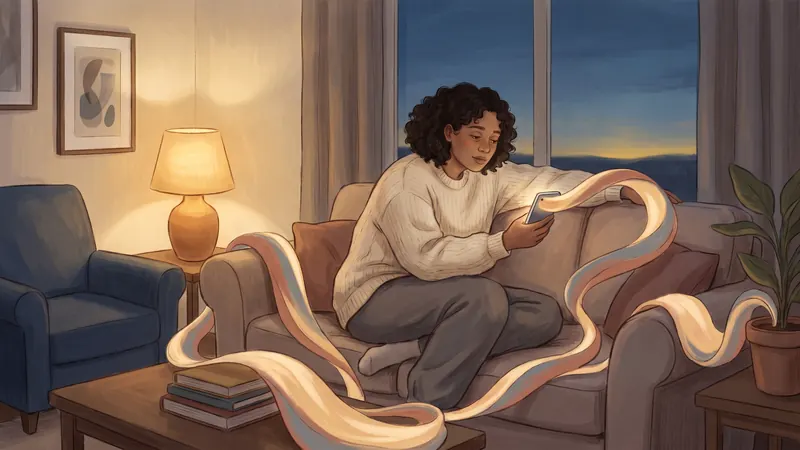
Because scrolling is a habit, and habits are started by cues, not decisions. Psychologists Wendy Wood and Dennis Rünger reviewed the research on habits in 2016. They wrote that difficulty changing a habit doesn't come from "a failure of willpower". Old habits "continue to be activated automatically" by the same situations: the sofa after work, the bed at night, the queue at the shop.
The same review describes what does work: tie a new action to the old cue, change or remove the cues around you, and repeat the new action until it becomes automatic. In other words, replace the habit instead of only fighting it.
Scrolling also doesn't fix the feeling that started it. In a 2021 study, 83 PhD students rated how bored and tired they felt every hour while an app recorded their phone use. When they were more bored or tired, they were more likely to pick up their phone. Afterwards, they felt more bored and tired, not less.
How do I choose what to do instead?
Use three simple rules:
- Match the moment. If you scroll because you're tired, you need rest, not a project. If you scroll because you're bored, you need something small to do.
- Make it almost as easy as scrolling. The replacement should take one step to start. Keep the book on the sofa, the shoes by the door, the notebook on your desk.
- Decide in advance. Write an if-then plan: "If I sit on the sofa after work, then I read ten pages first." Plans in this form help people reach their goals, according to a 2025 review of 642 tests.
30 things to do instead of doomscrolling
When you're tired
- Stretch for five minutes, slowly.
- Take a warm shower.
- Lie down, close your eyes and breathe slowly for a few minutes.
- Make a cup of tea and drink it away from your phone.
- Listen to an album or a radio station with the screen off.
- Go to bed 20 minutes earlier than usual.
When you're bored
- Read ten pages of a paper book.
- Do one small task from your to-do list.
- Tidy one drawer or one shelf.
- Water your plants.
- Draw or doodle for five minutes.
- Do a crossword or a sudoku on paper.
When you're stressed or anxious
- Take a short walk outside.
- Write down what's worrying you, then one small next step.
- Call a friend or someone in your family.
- Step outside and breathe some fresh air.
- Cook something simple, or wash the dishes. Using your hands helps.
- Breathe in for four counts and out for six, ten times.
During a break at work or while studying
- Walk for five minutes, even just around the building.
- Refill your water bottle.
- Look out of a window at something far away.
- Stand up and stretch your shoulders and neck.
- Talk to a colleague or a classmate.
- Write the next small step of your task, so starting again is easy.
In the morning
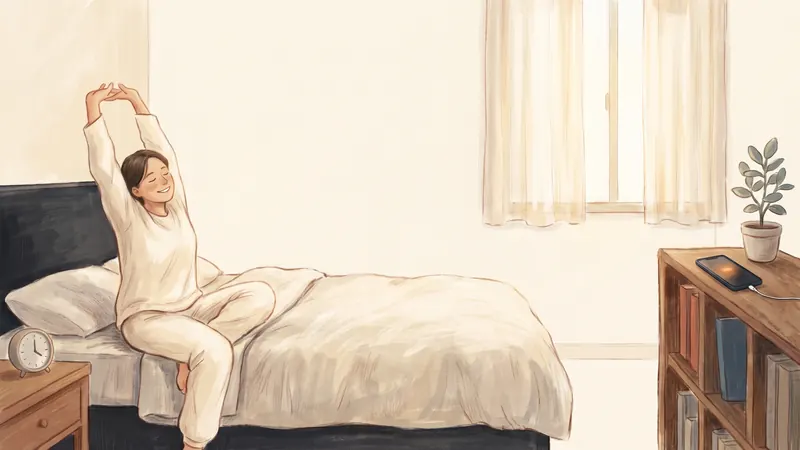
- Open the curtains and stand in the light for a minute.
- Make your bed.
- Write down today's top priority before you open any app.
At night
- Get your clothes and bag ready for tomorrow.
- Write down tomorrow's top priority and one good thing from today.
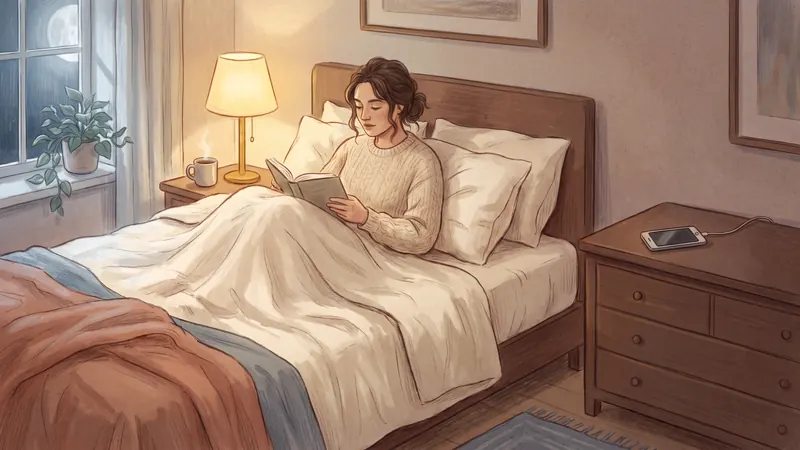
- Read in bed with a paper book, while your phone charges in another room.
Why doesn't a phone break feel like rest?
Because it keeps your mind busy. In a 2019 study at Rutgers, 414 students solved word puzzles with a short break in the middle. Students who used their phone in the break were the most tired afterwards. They took 19% longer and solved 22% fewer problems than students who took other kinds of breaks.
A 2016 survey of 425 workers in South Korea found something similar. People who used their phone at lunch felt more emotionally exhausted in the afternoon. That study only shows a link, not a cause.
But not every study agrees. A small Kansas State study of 72 workers linked short phone breaks to feeling happier at the end of the day. A short break on your phone isn't a disaster. The problem is when five minutes turns into forty.
Real breaks do help. A 2022 review of 19 studies found that micro-breaks of ten minutes or less gave people more energy and less tiredness. And in a 2015 study, a 90-minute walk in nature reduced rumination, the habit of repeating the same worried thoughts, while a walk on city streets didn't.
How do I make the new habit last?
- Tie it to the moment you usually scroll. "After I brush my teeth, I put my phone on the kitchen charger." "When I sit on the bus, I listen to an album instead of opening TikTok."
- Change what's around you. Charge your phone in another room at night. Turn off notifications for social apps. Move them off your Home Screen. The fewer cues, the fewer urges.
- Repeat it, and don't worry about bad days. In a well-known 2010 study, new habits took between 18 and 254 days to become automatic, with a median of around 66 days, and a 2024 review of 20 studies found similar medians. Missing one day didn't spoil the process.
- Make scrolling a little harder. A short lock on your scrolling apps gives the new habit a chance. Less phone time can help: in a 2025 trial with 467 people, blocking all mobile internet on phones for two weeks improved mental health, well-being and attention. People spent more of that time with others in person, exercising and in nature.
How YourPriority helps you do something else
I built YourPriority so a blocked app reminds you of your priorities.
- Doom Scroll Breaks let you scroll for a while, then lock your chosen apps for a short break. The break screen shows your top priority for today.
- Your "instead" ideas can live in your to-do list. Add "Read 10 pages" or "Go for a walk" as a daily repeating to-do, and make it your top priority, so it's what you see on the break screen.
- Blocks on a schedule keep your scrolling apps closed at the times you usually scroll, like late at night or the first hour of the morning.
Put your "instead" where the feed used to be. YourPriority gives your scrolling apps a short break after the time you choose, and shows your top priority instead. Free, with no account.
Download free on the App Store