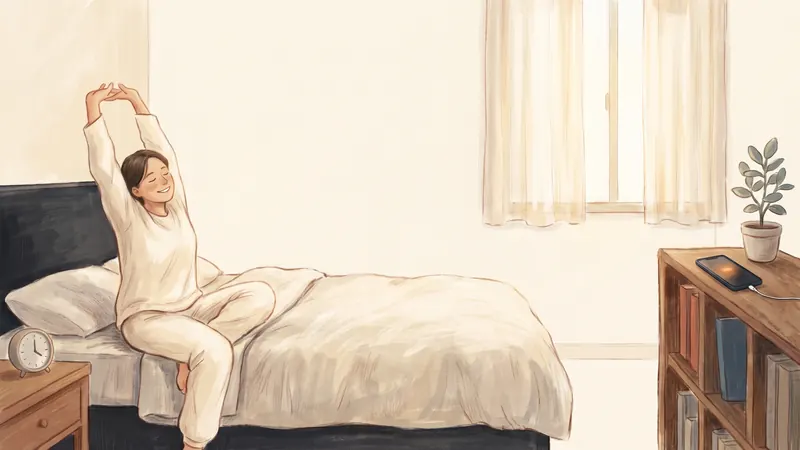
For many people, the phone is the first thing they touch in the morning. In a 2026 survey by Reviews.org, 84.6% of American adults said they check their phone within ten minutes of waking up, and about half said they sleep with it. That's a marketing survey, not a scientific study, but older surveys also found that many people check their phone soon after waking.
A quick look at the time isn't the problem. The problem is when a quick look becomes 30 minutes of news and videos in bed, and the day starts with other people's news instead of your plans. Here's why that happens, and seven steps that help.
Why is the morning scroll so hard to resist?
Because everything about the morning makes it easy:
- The phone is your alarm. You have to touch it to turn the alarm off, and then the apps are one swipe away. In a 2021 survey by the same company, 83% of people said they use their phone as an alarm.
- It's within reach. If your phone sleeps next to you, it's the easiest thing to pick up.
- You're half-awake. Habits run on cues, not decisions. Researchers who study habits explain that old habits start automatically in the same situations. Waking up in bed is a very strong cue.
- Notifications came in overnight. A screen full of alerts feels like work you have to check.
Does checking your phone in the morning raise your stress hormones?
You'll often read that checking your phone after waking "spikes your cortisol". There's no good evidence for that. The claim usually comes from one small 2018 study of 62 families. It found links between heavy tech use and a bigger morning cortisol rise in teenagers and fathers, but not in mothers. The Royal Australian College of General Practitioners (RACGP), an Australian doctors' group, noted that "no other studies have pointed to a link between smartphone use and chronically elevated cortisol levels."
There is some evidence that your morning mood affects the rest of your day. In a 2011 study of call-centre workers, people who started the day in a good mood rated their customers more positively and worked better. People who started in a bad mood answered fewer calls. That study didn't test phones, but it's a good reason to start your day calmly instead of with bad news.
How to stop doomscrolling in the morning: 7 steps
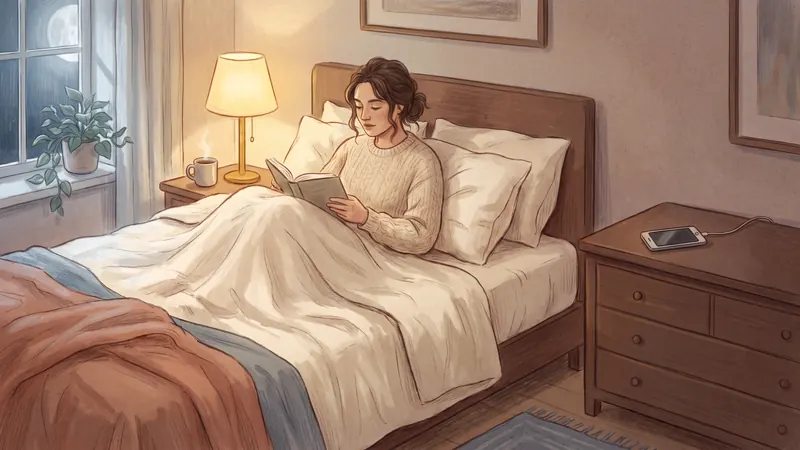
- Charge your phone outside your bedroom. This is one of the most useful changes. In a 2018 study, people who kept their phone out of the bedroom for a week reported small improvements in happiness and quality of life, and a lower score for smartphone addiction.
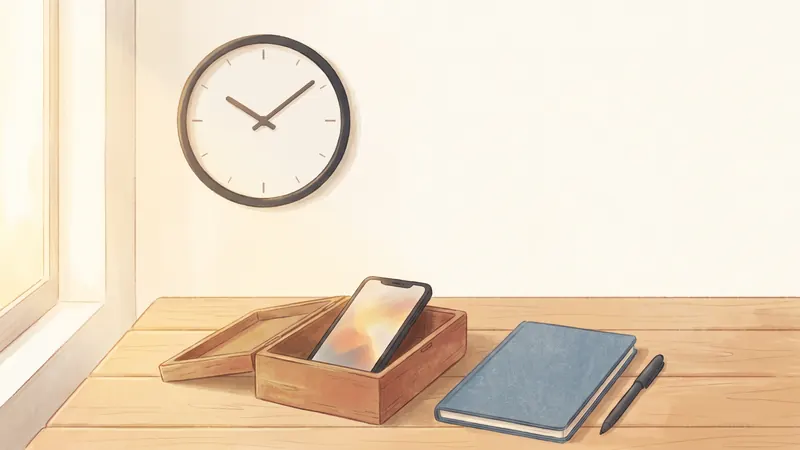
- Use a simple alarm clock. Then you don't need to touch your phone to start the day. Even a cheap clock works.
- Decide your first task the night before. Write it on paper or in your to-do list before bed. When you wake up, you already know what to do first.
- Lock your scrolling apps until a set time. For example, from 6:00 to 9:00. Even if you pick up the phone, there's nothing to scroll. I explain how below.
- Give yourself ten phone-free minutes. Open the curtains, drink a glass of water, make your bed, and write down today's top priority. Small, easy steps make a clear start.
- Keep only what you really need. If family messages or work calls matter in the morning, keep Phone and Messages open and lock only social apps and video.
- Silence notifications overnight. Turn on the Sleep Focus, so you don't wake up to a screen full of alerts. A Focus only silences notifications and doesn't block apps, so use it together with step 4.
How do I lock apps until a set time in the morning?
With Apple's Screen Time (free)
- iOS 26 and earlier: go to Settings → Screen Time → Downtime, turn on Scheduled, and set it to end at the time you want, for example 9:00. Add the apps you need to Always Allowed.
- iOS 27: go to Settings → Screen Time → Screen Time Schedule, turn on the schedule, then tap Add Schedule for your mornings and choose which kinds of apps are allowed.
The problem is that, by default, adults can ignore these limits with a couple of taps. When I tried Screen Time limits, they were very easy to skip. Here's how to make Screen Time limits harder to ignore.
With YourPriority (free)
- Open the Block tab and tap Block an app.
- Pick the app you scroll in the morning, for example Instagram.
- Choose At certain hours and set it from 6:00 to 9:00.
- Choose Every day or Weekdays, and tap Save. Repeat for each app you want to lock.
If you open Instagram at 7:00, you'll see your priorities for today instead of the feed, with two buttons: Review Priorities and Go back. There's no "Ignore Limit" button.
• Go for a walk
• Pay the electricity bill Review Priorities Go back
What does a phone-free morning look like?
Here's a simple example. Change the times to fit your life.
| Time | What you do | Your phone |
|---|---|---|
| 7:00 | The alarm clock rings. Open the curtains. | Charging in the kitchen |
| 7:05 | A glass of water. Make your bed. | Still charging |
| 7:10 | Look at the top priority you wrote last night. | Still charging |
| 7:15 | Shower, breakfast, get ready. | Calls and messages only |
| 9:00 | Start your first task. | Social apps unlock |
What if I need my phone first thing for work?
Then give yourself a narrow rule instead of no rule. For example: "Before 9:00 I only check my calendar and messages." Keep those apps open, and lock social media and video. If you can, read work email at your desk on a computer, not in bed on your phone.
How YourPriority helps you start the day
- A morning planning reminder at the time you choose, so you pick today's top priority before anything else.
- An evening planning reminder to plan tomorrow before bed, which reminds you to do step 3.
- Blocks at certain hours, like 6:00 to 9:00, for each app you scroll.
- Doom Scroll Breaks for the rest of the day: after the time you choose, your scrolling apps take a short break.
Start the day with your plans, not the feed. YourPriority locks your scrolling apps until the time you choose and shows your top priority instead. Free, with no account.
Download free on the App Store