The YourPriority blog
Spend less time on the feed.
Plain, honest guides to blocking distracting apps, stopping doomscrolling, and putting your priorities first. Written by Tanjil, the founder of YourPriority.
-
Comparisons
The Best Free App Blockers for iPhone in 2026 (No Subscription Needed)
Free iPhone app blockers compared: what's really free in ScreenZen, YourPriority, Foqos, one sec, Screen Time, Opal and more, how each blocks, and how easy each is to skip.
-
Comparisons
Free Opal Alternatives in 2026: Apps That Don't Cost $100 a Year
Opal Pro costs $99.99 a year. Here are the best free Opal alternatives for iPhone in 2026, what each one does like Opal, and what's missing.
-
Comparisons
one sec vs Opal vs ScreenZen: An Honest Comparison (2026)
one sec, Opal and ScreenZen compared on price, free plan, how they block, how easy they are to skip, and who each one suits best. Checked October 2026.
-
Screen Time
How to Stop Ignoring Your Own Screen Time Limits
Screen Time's "Ignore Limit" button makes limits easy to skip. Here's how adults can make their own limits stick on iOS 26 and iOS 27, step by step.
-

Screen Time
Screen Time Not Working on iPhone (iOS 26 or iOS 27)? What to Try
Screen Time limits not working, not resetting, or blocking apps you didn't use? The known iOS 26 and iOS 27 Screen Time bugs, and the fixes to try in order.
-
How-to
How to Lock Apps on iPhone Until a Certain Time
Lock Instagram, TikTok or any app on iPhone until a set time, like 17:00 or tomorrow morning. Free Screen Time steps for iOS 26 and iOS 27, and a stronger option.
-

How-to
How to Block Instagram on iPhone (and Stop Reels Without Deleting It)
You can't block only Reels on iPhone, but you can stop endless Reels without deleting Instagram. Free ways to block or limit Instagram on iOS 26 and iOS 27.
-
How-to
How to Block TikTok on iPhone, or Limit It to 30 Minutes a Day
Block TikTok on iPhone completely, at certain hours, or after 30 minutes a day. TikTok's own limit, free Screen Time steps for iOS 26 and 27, and stronger options.
-
How-to
How to Block Websites on Mac in Safari, Chrome, Arc, Brave and Edge
Screen Time on Mac only blocks websites in Safari. Here are the free ways to block websites in every browser on Mac, with or without an extension, and what each one misses.
-
Doomscrolling
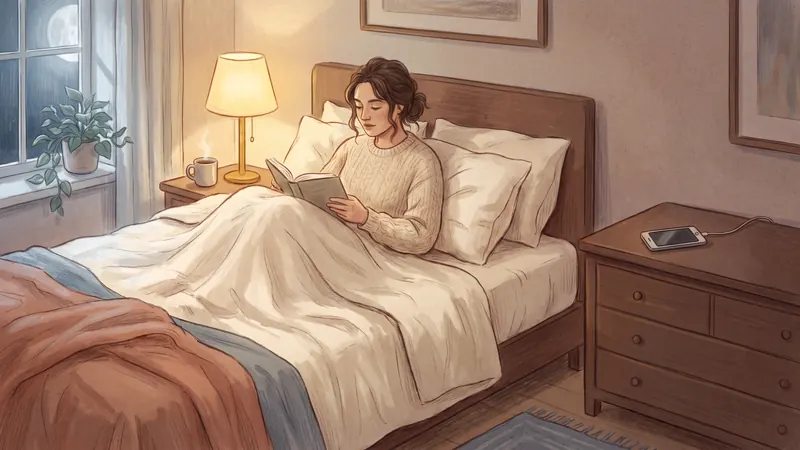
How to Stop Doomscrolling at Night: A Simple 7-Step Plan
Why you scroll in bed, what it does to your sleep, and a 7-step plan to stop doomscrolling at night on iPhone, including free settings and apps.
-
Focus
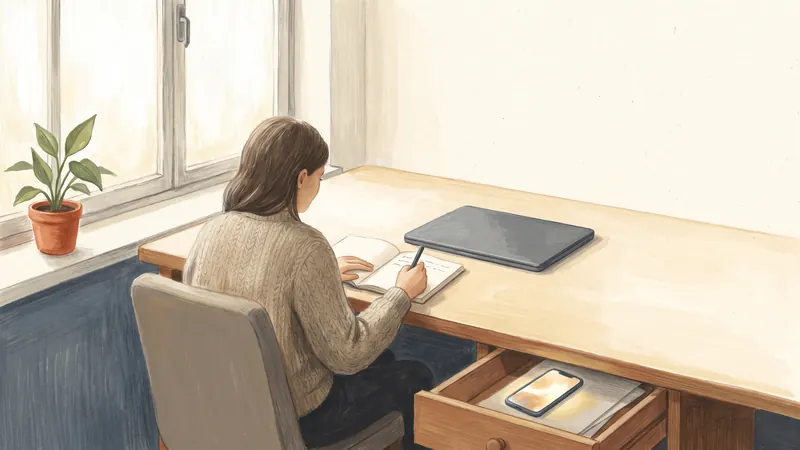
How to Stop Scrolling and Start Working (or Studying)
Why you open your phone instead of starting work, what it costs, and 8 simple steps to stop scrolling and start working or studying, with free iPhone settings.