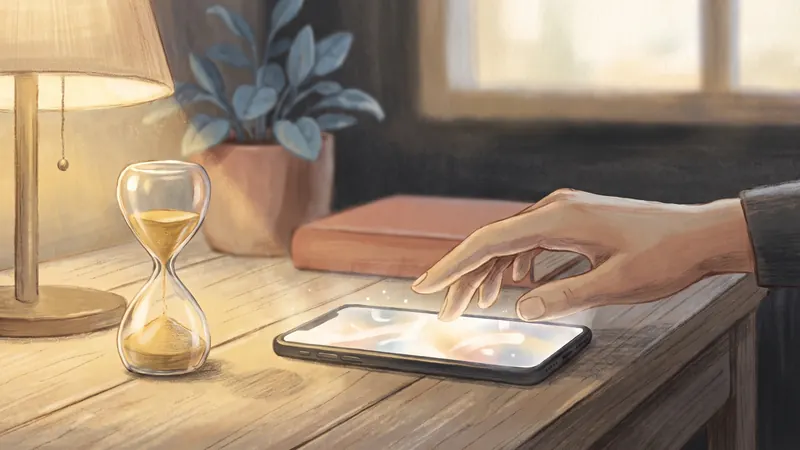
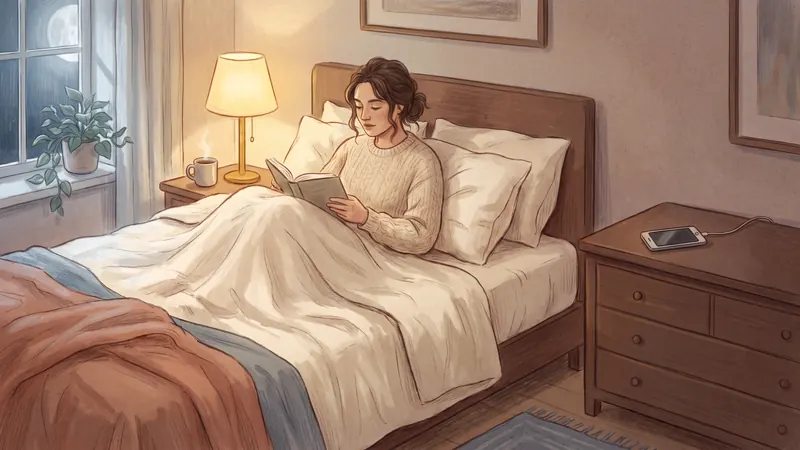
When I was spending almost 6 to 8 hours a day on my phone, I tried the Screen Time limits on my iPhone. They were very easy to skip. And at night, when you're tired, it's even harder to stop.
You're not alone in this. In a 2026 Pew Research survey, 53% of American adults said they spend too much time on their phone, and 41% said their phone hurts their sleep. Among people aged 18 to 29, that was 62%.
This guide explains why night scrolling is so hard to stop, and gives you a simple plan that doesn't need much willpower.
Why do I doomscroll at night?
You doomscroll at night because you're tired, the feed never ends, and nothing tells you to stop. At the end of the day, many people find it harder to stop. A feed gives you something new every few seconds for almost no effort. And unlike a TV episode, it has no last page.
Researchers have a name for part of this: bedtime procrastination. A 2014 study defined it as "failing to go to bed at the intended time, while no external circumstances prevent a person from doing so." A 2022 review of 43 studies linked it to shorter sleep, worse sleep and lower self-control. A 2020 study of 427 students linked smartphone addiction to poor sleep through this same habit of going to bed later.
There's also a popular version called revenge bedtime procrastination. After a long day with little free time, you stay up late to "take back" some time for yourself. The phone is the easiest way to do it, so it gets that time.
Is scrolling in bed bad for your sleep?
Yes, mostly because it takes time away from sleep. In a large 2025 study of 45,202 students in Norway, each extra hour of screen use after going to bed was linked to:
- 24 minutes less sleep, and
- 59% higher odds of insomnia symptoms.
Social media wasn't worse than other screen activities like films or games. What mattered was the time in bed spent on a screen. A 2016 study of 844 adults found the same pattern: people who used their phone at bedtime slept worse and felt more tired.
What about blue light? It matters less than many people think. In a 2021 study, 167 young adults used their phone in bed with Night Shift on, with Night Shift off, or didn't use a phone. Their sleep was about the same in all three groups. So Night Shift won't save your sleep if you scroll for an hour.
Most adults need at least 7 hours of sleep a night, according to the CDC. If you go to bed at 23:00 but scroll until 00:30, you lose an hour and a half of sleep.
How to stop doomscrolling at night: 7 steps
These steps go from the most important to the least. The first three matter most.
- Choose a stop time. Pick a time 30 to 60 minutes before you want to sleep, for example 22:30. In a small 2020 trial, people who stopped using their phone 30 minutes before bed for four weeks fell asleep faster and slept longer and better.
- Lock your scrolling apps from that time until morning. Don't just plan to stop. Make the apps close for you. On iPhone you can use Apple's free Downtime (Screen Time Schedule in iOS 27), or a blocker app. I explain both below.
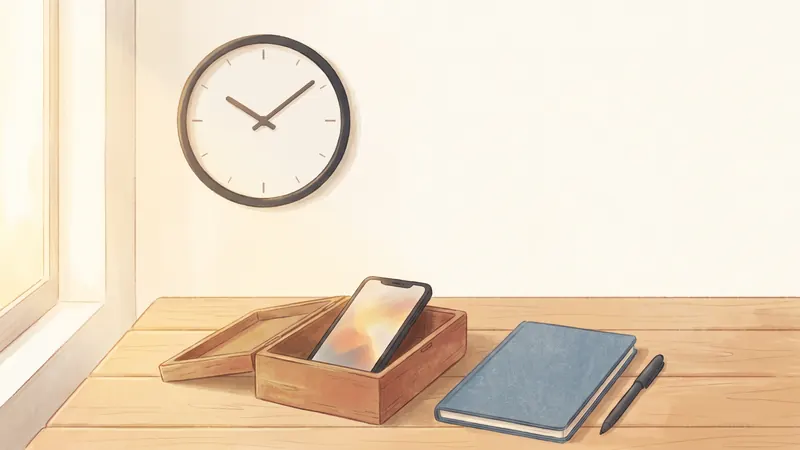
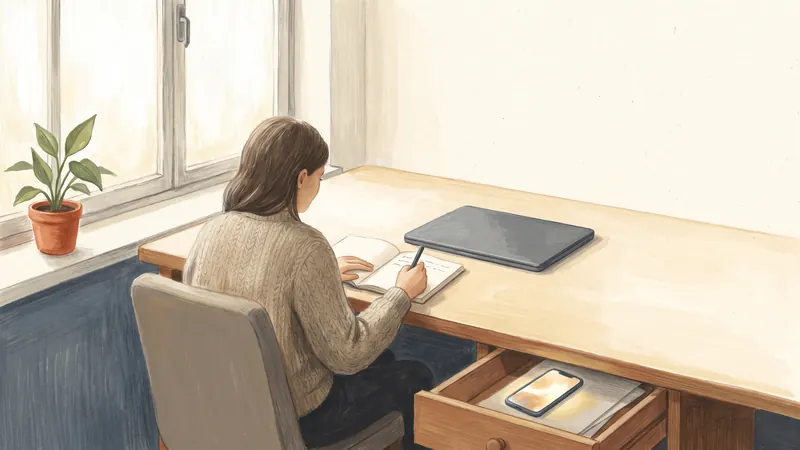
- Charge your phone away from your bed. Put the charger in another room, or at least across the room. If you use your phone as an alarm, a simple alarm clock costs very little and removes the main reason to keep the phone in bed.
- Write down tomorrow's first task before you stop. One task, not a full list. When the next morning is already decided, the evening feels finished, and it's easier to let it end.
- Make an if-then plan. For example: "If it's 22:30, then I put my phone on the kitchen charger." Plans written as "if X, then Y" help people reach their goals. A 2025 review of 642 tests found a small to medium effect, and plans worked best when people practised them.
- Have something else to do with your hands. Keep a paper book, a notebook or a puzzle by your bed. It's much easier to replace scrolling than to just stop.
- Silence notifications at night. Turn on the Sleep Focus so messages don't wake the phone and make you open apps again. A Focus only silences notifications, though. It doesn't block apps, so use it together with step 2.
How do I lock apps at night on iPhone?
You have two good options: Apple's Downtime, which is free and built in, or a blocker app.
Option 1: Apple's Downtime (free, built in)
- iOS 26 and earlier: go to Settings → Screen Time → Downtime, turn on Scheduled, and set the time, for example 22:30 to 07:00.
- iOS 27: Downtime is now called Screen Time Schedule. Go to Settings → Screen Time → Screen Time Schedule, turn on the schedule, then add one for the days and hours you want.
During that time, only the apps you allow can be used. The problem is that, for an adult on their own iPhone, it's easy to skip. Apple's own guide says: "By default, Screen Time limits can be ignored once reached." When the limit appears, you can tap to ignore it and keep scrolling. I found Screen Time limits very easy to skip, too. The only real fix is a Screen Time passcode that someone else chooses for you. I explain how in How to Stop Ignoring Your Own Screen Time Limits.
Option 2: A blocker app
Blocker apps use the same Apple system, but they can show their own block screen with no "ignore" button. YourPriority works this way. Here's how to set it up for nights:
- An "At certain hours" block from 22:30 to 07:00 for Instagram, TikTok, YouTube or whatever you scroll. The block can cross midnight, and you can choose which days it applies to.
- Doom Scroll Breaks for the evening before your stop time. For example: after 20 minutes of scrolling, your chosen apps lock for a 20-minute break. Time on all of those apps counts together, so you can't just move from Instagram to TikTok.
- The evening planning reminder at the time you choose. It asks you to plan tomorrow, which is step 4 above.
To be fair about the limits: YourPriority is not impossible to switch off. You can open the app and remove a block, but you have to wait 20 seconds first, and 40 seconds if you do it again the same day. That short wait gives the urge time to pass. Each block can also allow one 10-minute urgent break a day, for the times you really need an app.
What should I do instead of scrolling at night?
Choose something that's calm, easy to start, and has a natural end. Here are ten ideas:
- Read a paper book or an e-reader with no apps on it.
- Write tomorrow's first task and one thing that went well today.
- Get your clothes and bag ready for the morning.
- Stretch for five minutes.
- Take a warm shower.
- Listen to an audiobook or a podcast with the screen off and a sleep timer on.
- Talk to someone you live with.
- Tidy one small area, like your desk or the kitchen counter.
- Do a simple puzzle, like a crossword or sudoku on paper.
- Lie down and breathe slowly for a few minutes.
YourPriority is free on iPhone. Set one "At certain hours" block for your night apps, turn on Doom Scroll Breaks, and let the block screen show you your priorities instead of the feed. No account needed.
Download free on the App StoreWhat if I keep breaking my own rules?
That happens, and it doesn't mean the plan has failed. Pew found that of the people who tried to use their phone less in the past year, only 25% said they were extremely or very successful. You may need a few tries.
If you keep breaking your rules, make the rule easier or the block stronger. Move your stop time 15 minutes later. Move the charger further away. Or ask someone you trust to set your Screen Time passcode, so the block can't be skipped.