When I was spending almost 6 to 8 hours a day on my phone, that time came from my priorities and the goals I wanted to reach. That's why YourPriority has a to-do list as well as a blocker. When I open a blocked app, I want to see what I should do instead.
This guide covers why you choose the phone over work, what it really costs, and eight steps that help, whether you work at a desk or study for exams.
Why do I scroll instead of working?
You scroll instead of working because the work is unclear or uncomfortable, and the phone is easy. When you don't know the exact next step, starting feels heavy. A feed gives you something new in one second with no effort, so your hand goes to the phone.
Most of these checks are tiny. In a 2015 study that logged real phone use, people used their phone about 85 times a day, and 55% of those uses lasted less than 30 seconds. It was a small study of 23 people, but the pattern is familiar. Each check feels like nothing, but together they break the day into small pieces.
Notifications make it worse. In a 2016 study, 221 people spent one week with phone alerts on and one week with alerts off. With alerts on, they reported more inattention and hyperactivity, and that predicted lower productivity.
What does scrolling at work really cost?
It costs more than the minutes you see in Screen Time, because each check also breaks your focus.
- Shorter attention. Gloria Mark at UC Irvine found that people now stay on one screen for about 47 seconds on average before switching. In 2004 it was about 2.5 minutes.
- Slow returns. In her 2005 study of office workers, 57% of tasks were interrupted. When people did go back to an interrupted task the same day, it was about 25 minutes later on average, after working on about two other things first. (You may have seen "it takes 23 minutes to refocus". That isn't what the study measured. But it does show that one break often leads to other tasks first.)
- Leftover thoughts. Researcher Sophie Leroy calls it "attention residue". When you switch away from an unfinished task, part of your mind stays on it, and you do the next task worse.
- Lower grades for students. In a 2019 Rutgers study, when phones and laptops were allowed in lectures, students scored at least 5% lower on the final exam, even students who didn't use a device themselves. In the OECD's PISA 2022 survey, 65% of 15-year-olds said their own devices distracted them in at least some maths lessons.
You can also count it in money. If your time is worth $50 an hour and you scroll for 2 hours a day, that's about $36,500 of time a year. You can try your own numbers in the calculator on our home page.
How to stop scrolling and start working: 8 steps
- Decide your one task before you start. Do it the night before or as soon as you sit down. Not a list of ten, just the one task that matters most today. When you know exactly what's first, there is less space for the phone.
- Make the first step tiny. "Write the report" is heavy. "Open the document and write three bullet points" is easy to start. Break the task into small steps and only think about the first one.
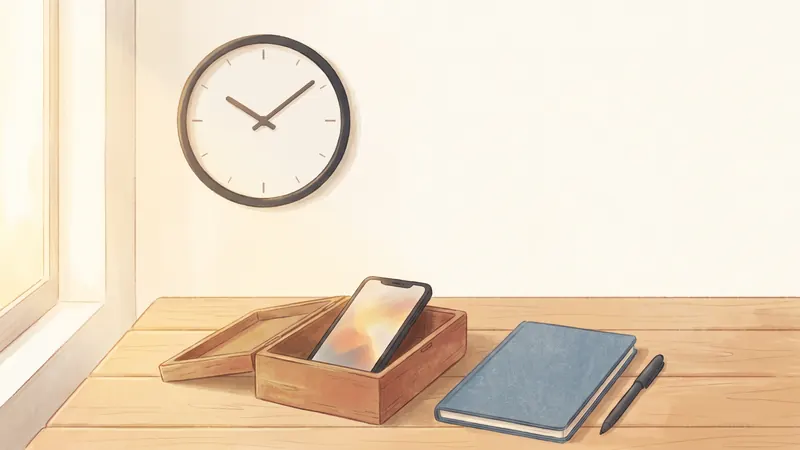
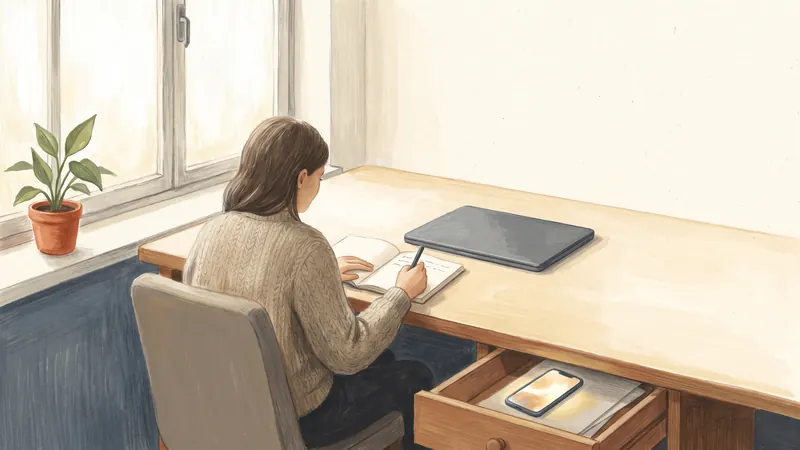
- Put your phone out of reach. Another room is best. A drawer or a bag across the room also works. A famous 2017 study claimed that even a phone face-down on your desk lowers your brain power, but later studies have not supported it well. The clear benefit is simpler: you can't scroll a phone you can't reach.
- Lock your scrolling apps during work or study hours. For example, block Instagram, TikTok and YouTube from 9:00 to 17:00, Monday to Friday. You can do this with Apple's Screen Time or a blocker app. See How to Lock Apps on iPhone Until a Certain Time for both.
- Turn off notifications while you work. Use a Work Focus or Do Not Disturb. A Focus only silences notifications and doesn't block apps, so use it together with step 4.
- Work in short, timed blocks. Try 25 to 50 minutes of work, then a 5 to 10 minute break. Take the break away from the feed: stand up, get water, look out of a window.
- Make an if-then plan for the moment you feel the urge. For example: "If I want to check my phone, then I first finish the sentence I'm writing." If-then plans have a small to medium effect on reaching goals, according to a 2025 review of 642 tests.
- When you stop, write where you'll continue. One line, like "Next: add the numbers to section 2." In a 2018 study, a short plan like this reduced attention residue.
How do I study without getting distracted by my phone?
The same steps work for studying, with a few changes:
- Set one goal per session. For example, "Finish the practice questions for chapter 3." A clear goal makes it easy to notice when you stop working on it.
- Leave the phone outside the room. If you need it for a timer, use a cheap kitchen timer instead.
- Study with friends who agree to the same rule. Put all phones in one box until the break.
- Lock social apps during exam weeks. A schedule from morning until your study ends each day means you don't have to decide again every day.
- Plan your breaks. If you want to check your phone in a break, decide how long first, and set a limit that ends the break for you.
Do app limits and blockers actually help?
Yes, especially when the limit is hard to ignore. In a 2022 study by economists Allcott, Gentzkow and Song, people who were given a tool to set limits on social media and other apps used them 22 minutes a day less, about 16% less, over 12 weeks. An important detail: in that study, most limits could not be ignored once they were reached. Apple's Screen Time limits can be ignored, which may make them weaker.
How YourPriority helps you start working
I built YourPriority because the blockers I tried only blocked apps. I wanted my phone to show me what to do instead. This is how it works during the day:
- Your one task sits on top. The Today screen shows your most important task under "Right now". The rest of your list waits under "Later today". You can split a task into steps and add reminders.
- Blocks for work hours. Lock an app all day, during certain hours (for example 9:00 to 17:00 on weekdays), or after a daily limit, from 5 minutes to 3 hours.
- Your priorities on the block screen. When you open a blocked app, you see your priorities for today instead of the feed.
- Doom Scroll Breaks for your breaks. If you scroll in your breaks, set a cap. For example, after 15 minutes of scrolling, your chosen apps lock for 30 minutes, which sends you back to work.
- Morning and evening planning reminders to choose today's task and plan tomorrow's.
• Read chapter 3
• Go for a walk Review Priorities Go back
Put your one task where the feed used to be. YourPriority blocks your scrolling apps during work or study hours and shows your priorities instead. Everything is free. No account needed.
Download free on the App StoreHow do I stop scrolling after work?
After work, the goal is different. You don't need to be productive. You just want the evening to be your choice, not the feed's. Two things help most:
- Decide one thing you want to do tonight, like cooking, a walk, a call with a friend or a hobby. Without a plan, scrolling takes that time.
- Cap your evening scrolling. Doom Scroll Breaks can end a session after 20 or 30 minutes, and a daily limit can cap your total, so scrolling doesn't take the whole evening.
If evening scrolling turns into late-night scrolling, read How to Stop Doomscrolling at Night.