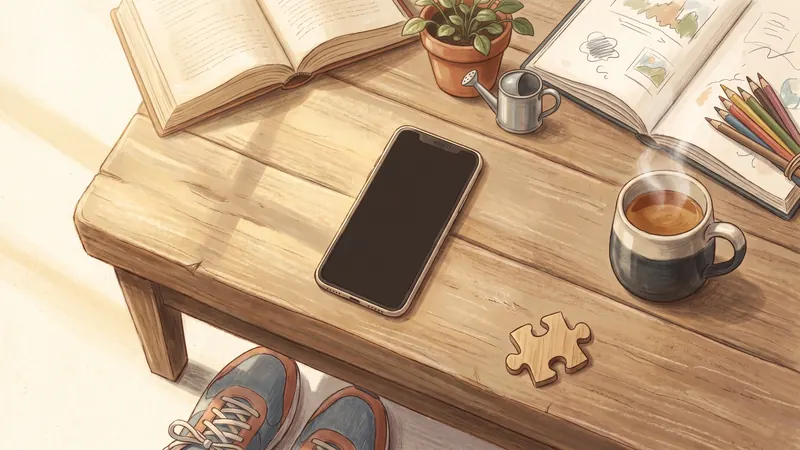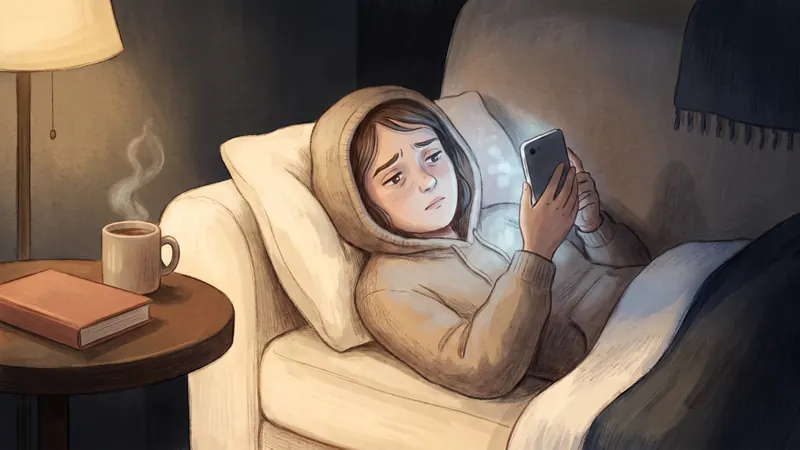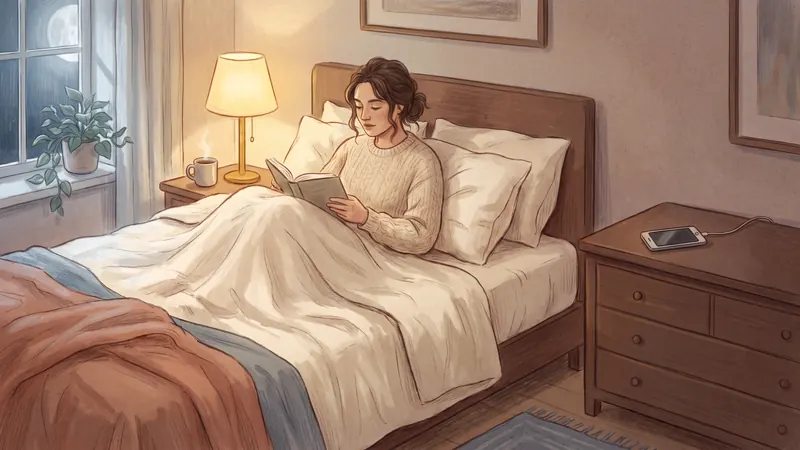
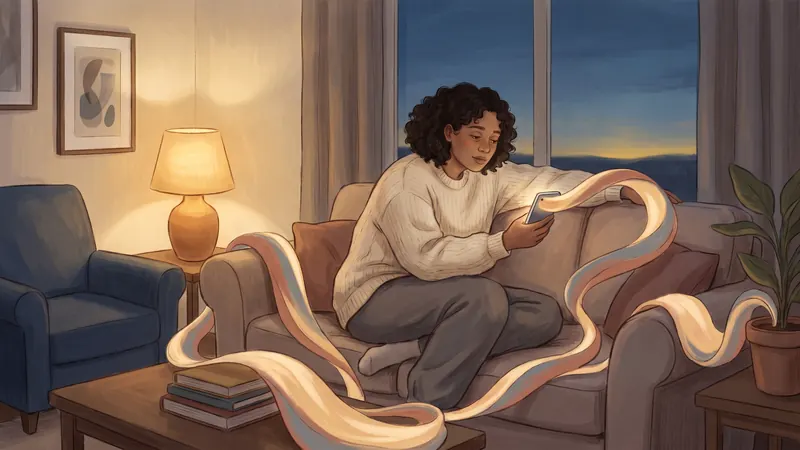
When I was spending almost 6 to 8 hours a day on my phone, I tried the Screen Time limits on my iPhone. They were very easy to skip. If you've had the same experience, it's not because you're weak. Psychologists who study habits say that trouble changing a habit doesn't reflect "a failure of willpower". The feed, and the habit, are doing what they were built to do.
Here's what makes doomscrolling so hard to stop, based on research, and what actually helps.
What is doomscrolling?
Doomscrolling means scrolling through bad news or an endless feed for much longer than you meant to, even when it makes you feel worse. The word spread on Twitter in 2020, in the first months of the pandemic. Quartz reporter Karen K. Ho, who tweeted about it daily that year, told NPR she first saw the term in a post from October 2018.
Researchers have started to measure it. In a 2022 study, Sharma, Lee and Johnson built a doomscrolling questionnaire and tested it on two groups of about 400 and 500 adults. Doomscrolling was less common than they expected, but it was linked to fear of missing out, anxiety, poor self-control and problematic social media use. Men, younger adults and people who follow politics closely did it more.
Why can't I stop scrolling? 5 reasons
1. The feed has no end
A book has chapters. A TV episode ends. A feed doesn't. Aza Raskin designed infinite scroll in 2006. In a 2018 BBC interview, he said: "If you don't give your brain time to catch up with your impulses… you just keep scrolling." He also compared some app design to "taking behavioural cocaine and just sprinkling it all over your interface".
2. There's always something new
Every swipe might show you something funny, shocking or useful. You don't know which, so you keep going. In February 2026, the European Commission published preliminary findings against TikTok. It said that "by constantly 'rewarding' users with new content, certain design features of TikTok fuel the urge to keep scrolling and shift the brain of users into 'autopilot mode'." It named infinite scroll, autoplay, push notifications and the personalised recommendations.
3. Autoplay decides for you
When the next video starts by itself, stopping becomes the choice you have to make. In a 2025 study of 76 Netflix users, turning autoplay off reduced how long people watched each day and how long each session lasted. A 2021 study of YouTube users found that autoplay and recommendations made people feel less in control of their own viewing.
4. Bad news grabs your attention
Researchers studied 22,743 headline tests on the news site Upworthy. Each extra negative word in a headline increased clicks by about 2.3%, and positive words reduced them. Interestingly, words about sadness increased clicks, but words about fear reduced them. Negative news isn't the only thing in your feed, but it's very good at getting your click.
5. Scrolling has become a habit
Habits start automatically in familiar situations: the sofa after work, the bed at night, a queue, a boring moment. In a 2021 study, 83 PhD students recorded how bored and tired they felt every hour while an app logged their phone use. When they were more bored or tired, they picked up their phone more often. Afterwards they felt more bored and tired, not less. So the habit doesn't even fix the feeling that started it.
Also, the built-in tools are weak. The same European Commission findings said TikTok's time management tools "are easy to dismiss and introduce limited friction". Apple's Screen Time limits have an "Ignore Limit" button for adults, too.
Is doomscrolling an addiction?
It isn't an official diagnosis, and researchers usually say "problematic use" instead of "addiction". But there's good evidence that many people use these apps more than they want to. In a 2022 study, economists Allcott, Gentzkow and Song estimated that self-control problems explain about 31% of social media use. That's a model estimate, not a direct measurement.
Courts are also looking at app design. In March 2026, a jury in Los Angeles found Meta and YouTube negligent in a case about a young woman's social media use, and awarded $6 million. Lawyers for the plaintiff pointed to features like infinite scroll, autoplay and notifications. Both companies have appealed, so the case isn't finished.
What actually helps you stop doomscrolling?
The research points to one idea: put a stopping point back, and make it hard to skip.
- Add a pause or a break. In a 2023 study of the app one sec, users closed the app instead of opening it in 36% of attempts, and opened their chosen apps 57% less often after six weeks. That study had no control group, and one of its authors built the app. A separate experiment in the same study found that an easy way to close the app helped most, a short delay also helped, and a message alone didn't.
- Use a limit you can't easily skip. In the 2022 Allcott study, people with a limit tool used the chosen apps 22 minutes a day less over 12 weeks. Most of those limits couldn't be skipped right away.
- Limit, don't necessarily quit. In a 2018 University of Pennsylvania study, 143 students took part. Half were randomly chosen to limit Facebook, Instagram and Snapchat to 10 minutes each per day for three weeks. Compared with the other half, they reported less loneliness and depression.
- Remove the cues. Turn off notifications for social apps, move them off your Home Screen, and charge your phone outside the bedroom.
- Have something ready to do instead. A habit is easier to replace than to stop. Here are 30 five-minute things to do instead of doomscrolling.
How Doom Scroll Breaks put the stopping point back
This is the idea behind Doom Scroll Breaks in YourPriority. You don't have to delete your apps or decide again every time.
- You pick the apps you scroll most, like Instagram, TikTok and YouTube. Time on all of them counts together.
- You choose how long you can scroll, from 15 to 60 minutes, and how long the break is, from 5 to 60 minutes.
- When your time is up, those apps lock for the break. The break screen shows your top priority for today, and there's no "Ignore" button.
- When the break ends, your apps open again by themselves.
Quit doomscrolling. Keep your apps. YourPriority lets you scroll for a while, then gives your scrolling apps a short break and shows your top priority. Free, with no account.
See how Doom Scroll Breaks work